Use case · TV channels and studios
Your studio grew brands. Your control room should not feel it.
Studios accumulate cameras: the legacy system chain, new IP bodies, a PTZ row for the second set. Each arrives with its own control story, and the gallery inherits the mess.
The problem
What makes tv channels and studios hard
CCU silos
Traditional CCUs control only their own brand. Every added brand splits shading across another panel.
Infrastructure is already there
Router, tally and intercom predate the new cameras. New control must join the existing fabric, not replace it.
Two sets, one operator
Multi-studio operations need one shading position that follows the action across rooms.
One panel speaks them all
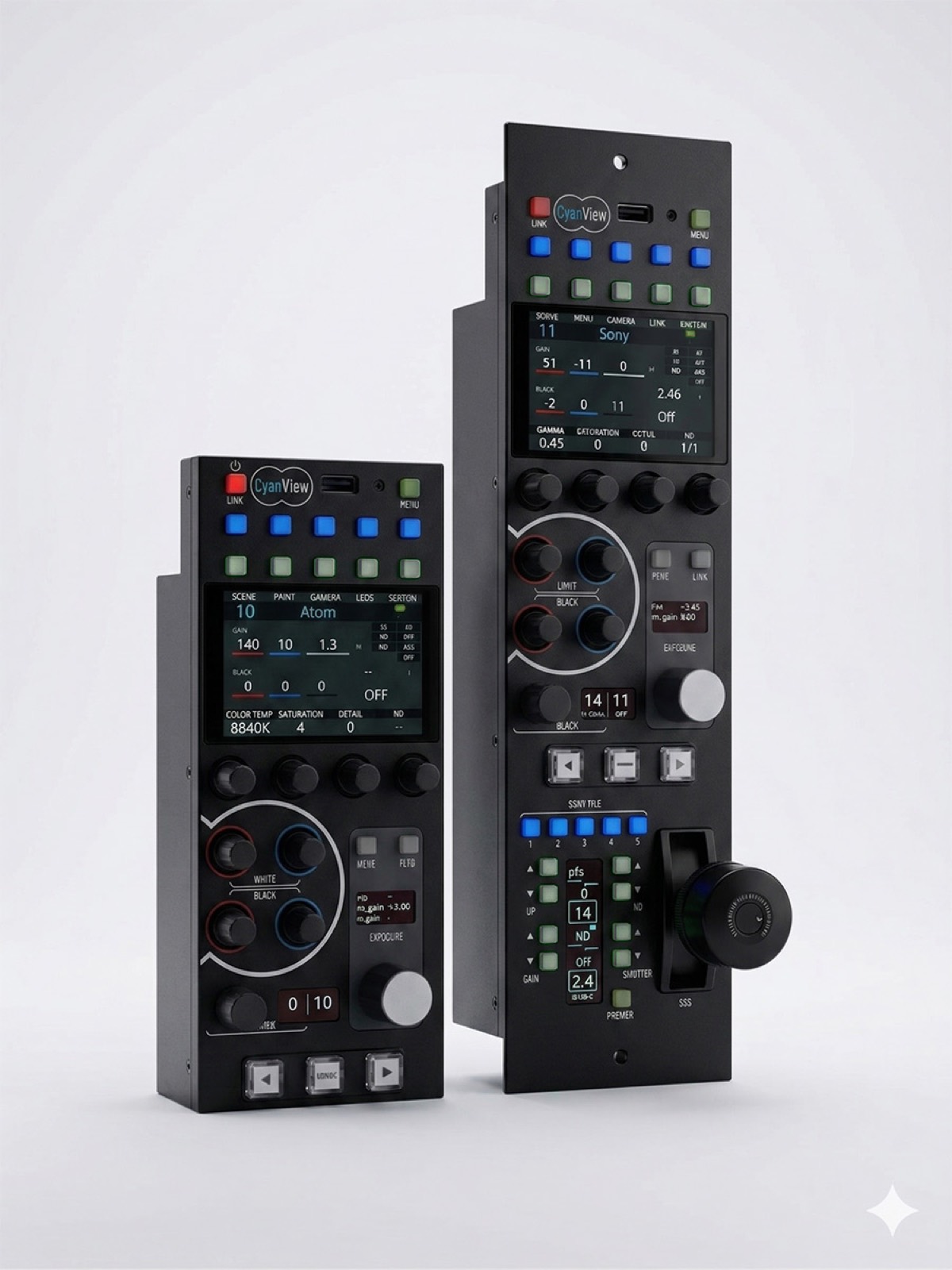
The RCP controls many camera brands and models on one surface: the system fleet, IP bodies and PTZ rows as numbered channels, up to 128 cameras under the MSU licence.
Joined to the house fabric
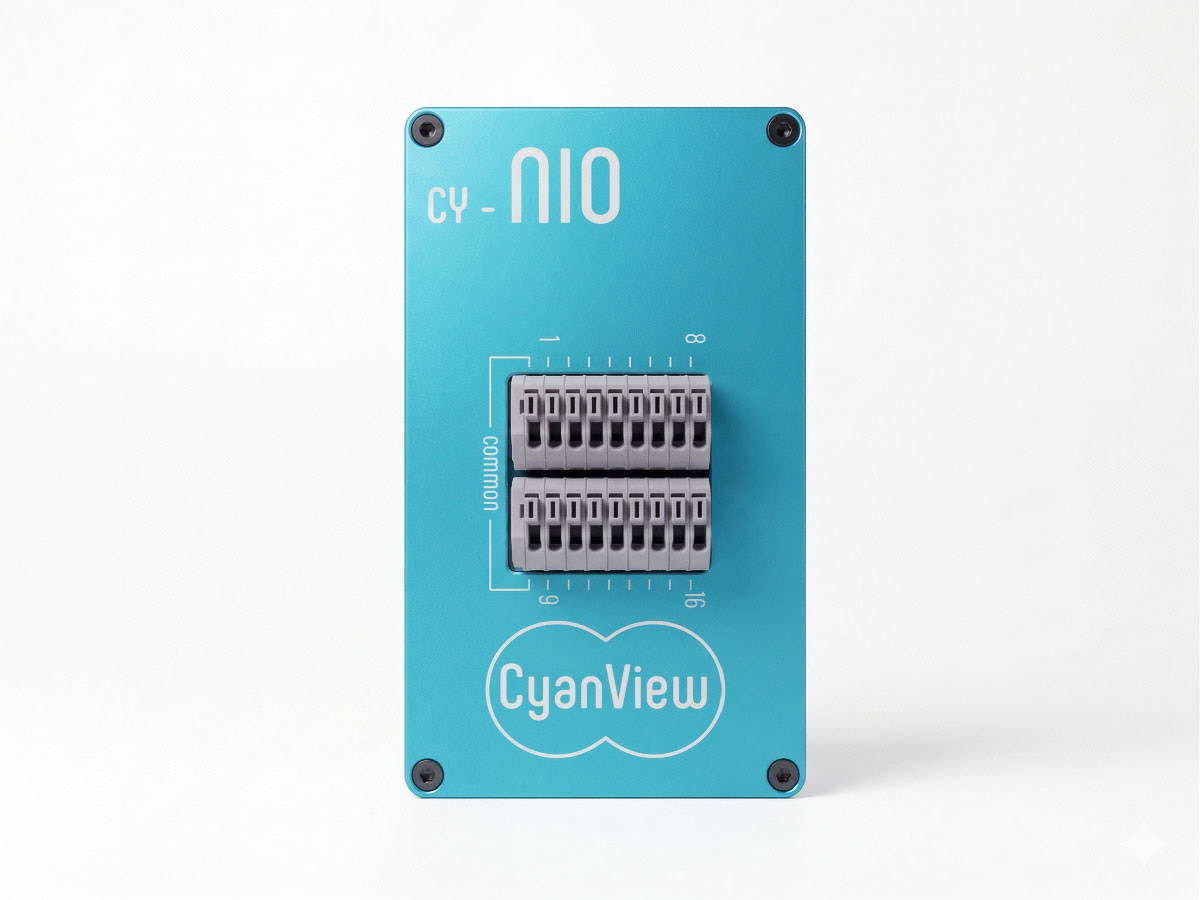
Tally flows in and out, the panel follows router selection with AUTO preview on camera change, and the NIO puts 16 GPIO on the network for lights and triggers at the edge.
Map it onto your production
Cyanview and its integrators design the topology with you: cameras, interfaces, transport and the right control surface.
One Cyanview for every camera.
© Cyanview · Belgium