Camera control for broadcast, cine and every live production
Mixed cameras.
One control room.
System cameras, mirrorless on gimbals, PTZ heads and POV minis: every brand ships its own remote, and none of them match on a live cut. Cyanview puts many brands of cameras on one shading surface, in the truck or an ocean away.
The problem
Control is the bottleneck of the modern multicam
Cameras got cheap, small and excellent. Controlling them did not keep up.
The matched-camera tax
Traditional CCUs control only their own brand. The moment a second brand enters the floor, shading splinters across panels, apps and remotes.
Specialty cameras multiply
Every production now mixes system cameras with mirrorless, PTZ and miniature POVs. Each one adds a control silo just when the cut demands they match.
Distance breaks control
Remote venues and distributed productions used to mean a truck and a travelling crew at every site, or cameras nobody shades at all.
The Cyanview answer
Three moves that change the room
01 · UNIFY
One panel, many brands
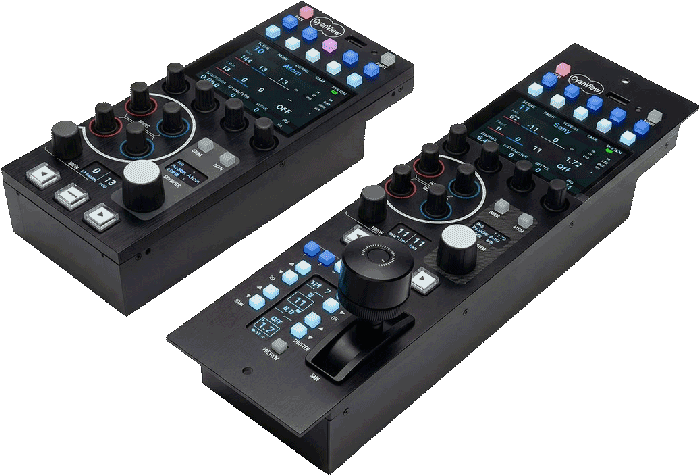
One RCP speaks dozens of protocols: Sony, RED, Panasonic, Blackmagic, PTZ and mirrorless side by side as numbered channels, up to 128 cameras under the MSU licence.
The RCP and RCP-J →02 · GO REMOTE
REMI: remote production
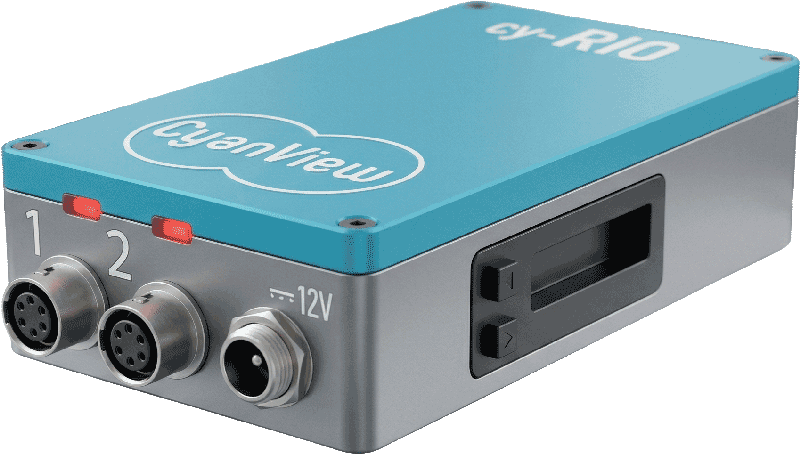
Put a RIO next to the camera and control rides any IP link, 4G/5G included, through the REMI cloud. Cloud control is included free on RCP and RIO WAN. The camera comes home to your panel.
The RIO →03 · COMBINE
Local + remote, one surface
House cameras ride the LAN, remote ones ride the cloud, and both surface on the same panel as ordinary numbered channels. The join is invisible to the operator.
See it per use case →At a glance
Built to disappear into the workflow
cameras from one RCP
under the MSU licence
brands and protocols
on one panel
operator shading
the entire floor
How it works
Every rig is three jobs
1
Control
A surface to shade from: the RCP or RCP-J, with the browser Multi-Cam Dashboard alongside for configuration and live monitoring.
2
Interface, when needed
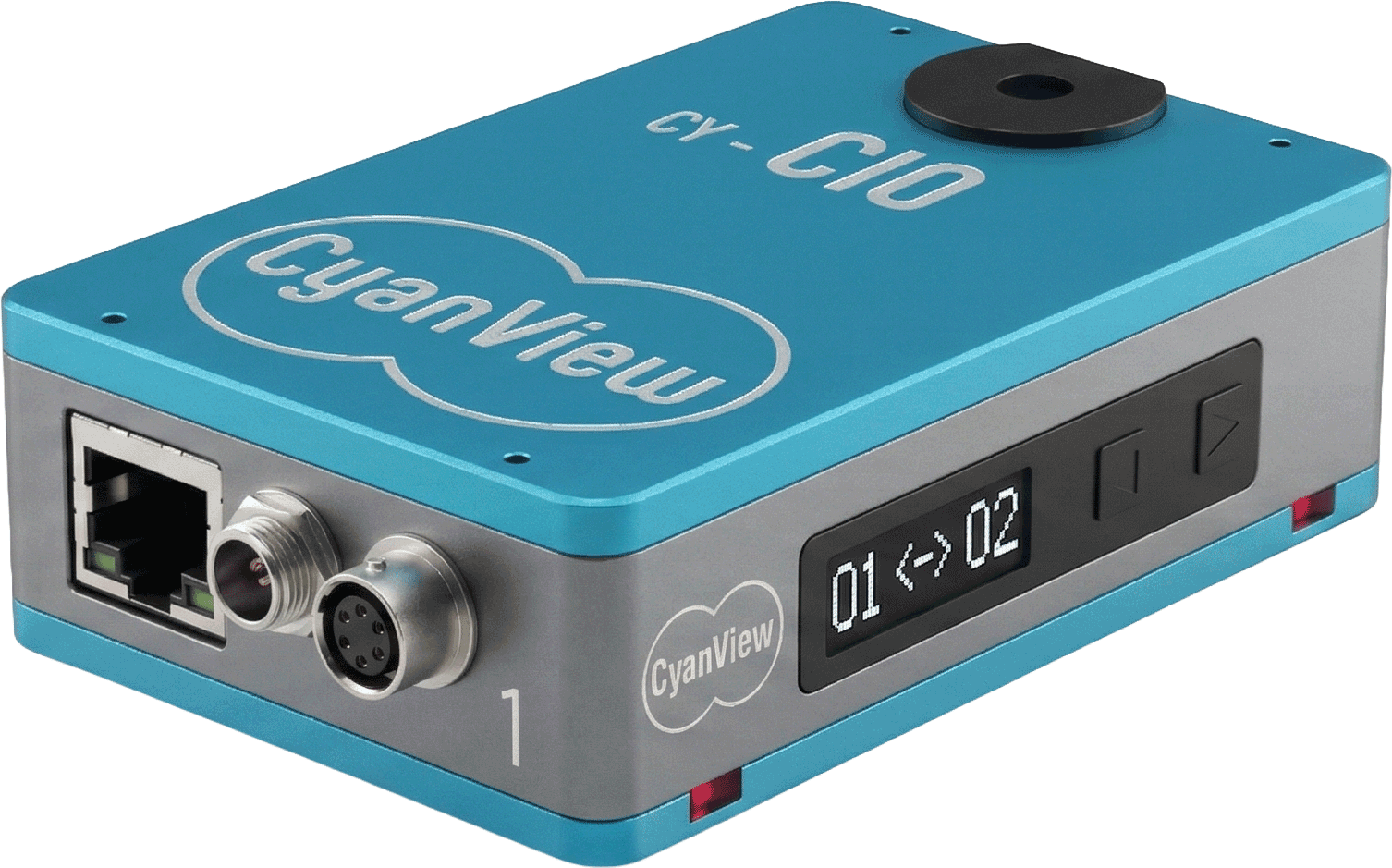
Only for cameras that do not already speak IP: the CI0 or RIO converts network commands into RS-485, LANC, VISCA, SBUS, B4 lens or USB-C.
3
Transport
Plain IP on one switch, across a building, or through the REMI cloud over 4G/5G when the production goes remote.
From the shading desk
The same handful of modules, recomposed for every show.
What changes between a stadium, a studio and a stage is rarely the kit. It is the topology, local, remote or combined, and the control surface you put in front of it.
Across the industry
Where Cyanview lands
The cast
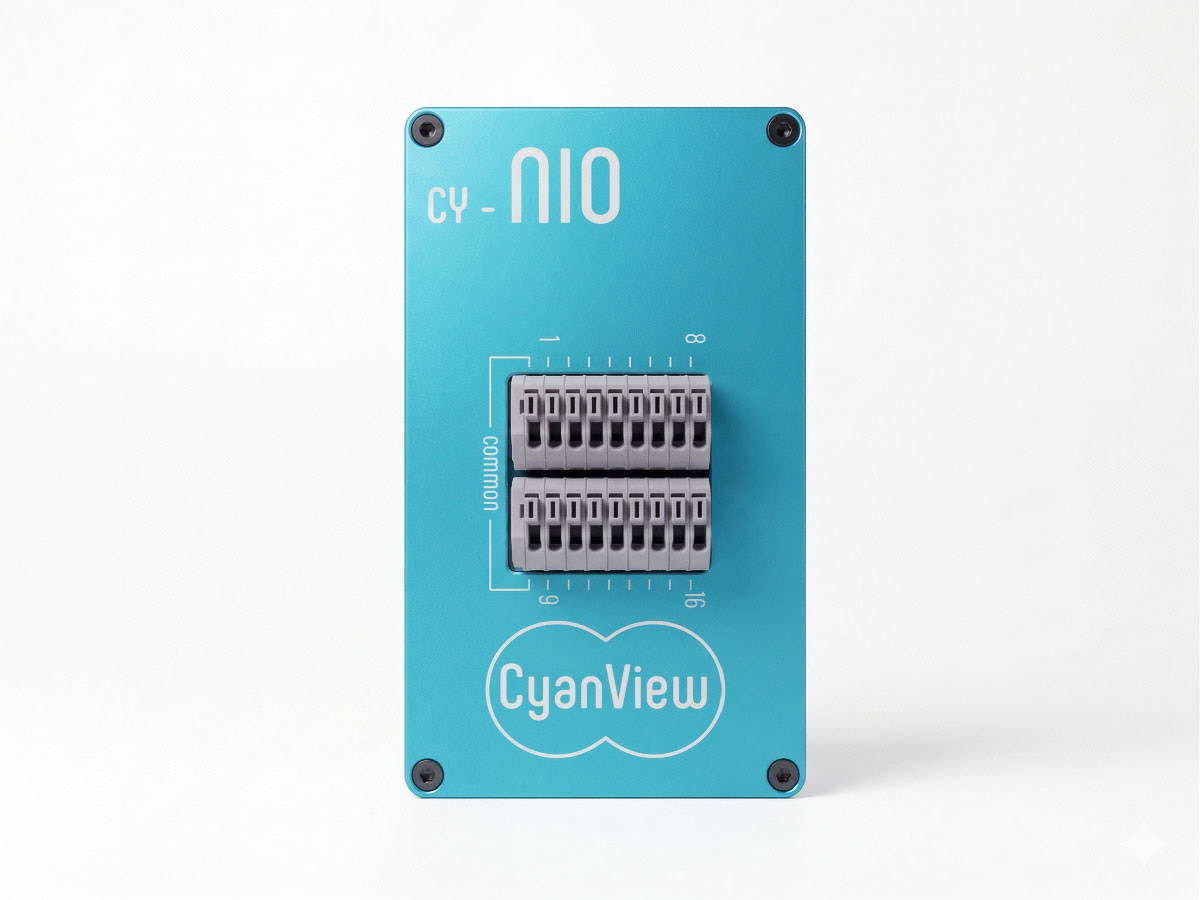
Five modules, every topology
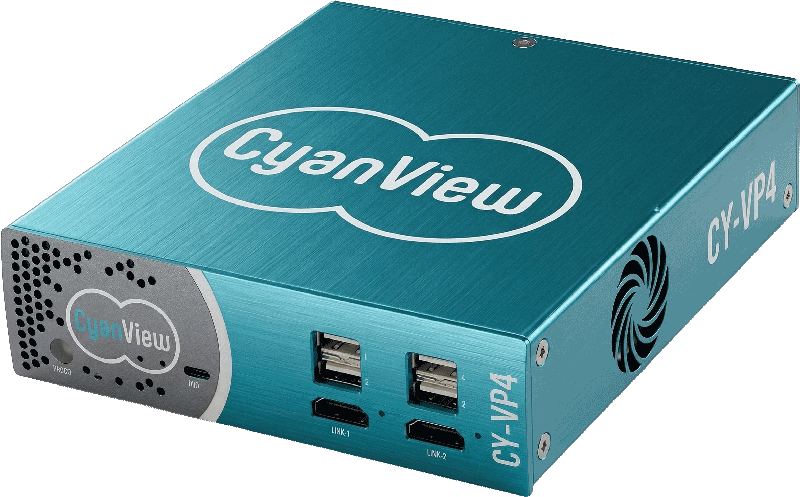
Bring your camera list
Tell Cyanview what is on your truck sheet: brands, links and distances. You get back a topology, not a brochure.
One Cyanview for every camera.
© Cyanview · Belgium